Don’t publish your documentation as PDFs
 Oct 25, 2023
Many organizations create important documentation in Microsoft Word and publish it as PDFs. That works well for printing or sharing a fixed copy. But when people need to find, read, and use information online, a web-based document portal often works better. Here are nine reasons why.
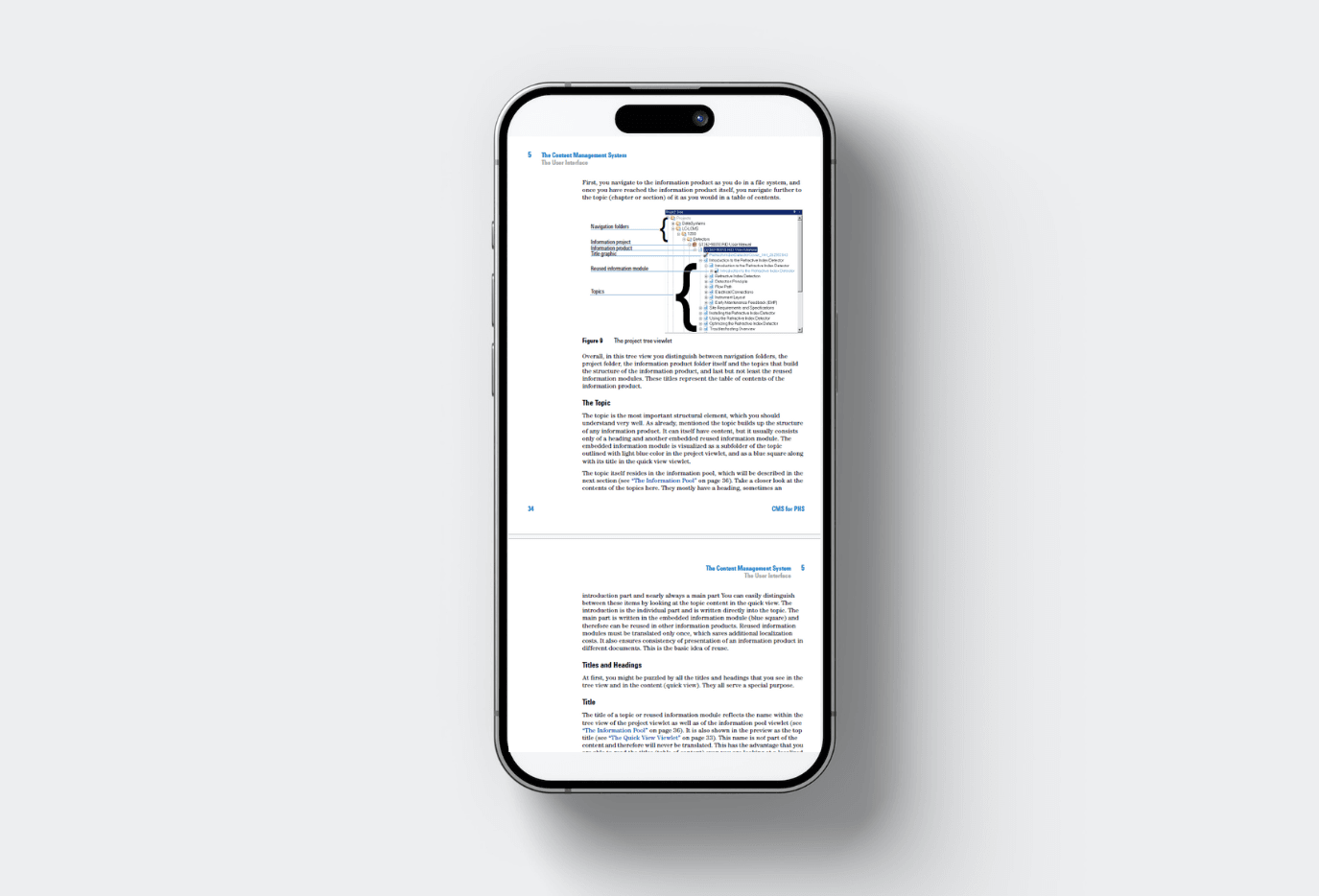
PDF was designed to preserve a document's layout. Online reading has different requirements: information needs to be easy to search, navigate, and keep current across devices.
1. PDFs don't adapt to the screen
A PDF typically keeps its page layout regardless of screen size. On a phone, readers often have to zoom in and scroll in multiple directions. Responsive web pages can adapt the text and layout to phones, tablets, and computers.
2. Updating PDFs can be cumbersome
When a Word document changes, someone may need to export a new PDF and upload it to the right location. If several copies exist, keeping them consistent becomes harder. Readers who downloaded an earlier version may never see the update. With Readin, you can publish an updated document from the source file to the same web address.
3. PDFs offer fewer ways to engage with readers
PDFs are useful for distributing fixed-layout content. A document portal can also notify readers when a document they follow is updated and help them review revision history.
4. Searching across PDFs takes extra work
Searching within one PDF is usually straightforward. Searching across a large collection of files is another matter. Readin lets readers search across documents, see relevant excerpts, and use metadata filters to narrow the results.
5. Navigation is harder to maintain
When readers open a standalone PDF, they may lose sight of how it relates to other documents. A portal can organize an entire library with consistent navigation, making related information easier to discover.
6. Notes and bookmarks may stay on one device
Many PDF readers support local annotations and bookmarks, but those notes don't always follow you between devices. With Readin, readers can access their saved notes and bookmarks across supported devices.
7. Analytics help you improve content
A download count tells you little about whether people found the information they needed. A document portal can provide more useful insights, including which documents are read and what readers search for.
Useful questions include:
- Which documents are most and least popular?
- Which sections attract the most attention?
- What are people searching for?
- Which topics appear to need better explanations?
8. Publishing can be streamlined
Many organizations already use SharePoint to store and edit source documents. If they publish PDFs, every change may involve exporting and uploading a fresh file. Readin can publish Word documents directly from SharePoint to the appropriate place in the portal.
9. Readers need the current version
Outdated instructions can cause errors. Once a PDF has been downloaded, the publisher cannot guarantee that the reader will check for updates. A document portal provides a consistent location for the current version. In Readin, readers can also follow documents and receive update notifications.
PDFs still have a place as printable or downloadable copies. For documentation that people regularly search, read, and maintain online, consider making a responsive web page the primary version.