Find reliable answers in your own data with an AI assistant
 Mar 25, 2025
Finding reliable information shouldn't mean searching through countless files. An AI assistant on your website can help employees and customers find answers in Word documents, PDFs, spreadsheets, and SharePoint libraries.
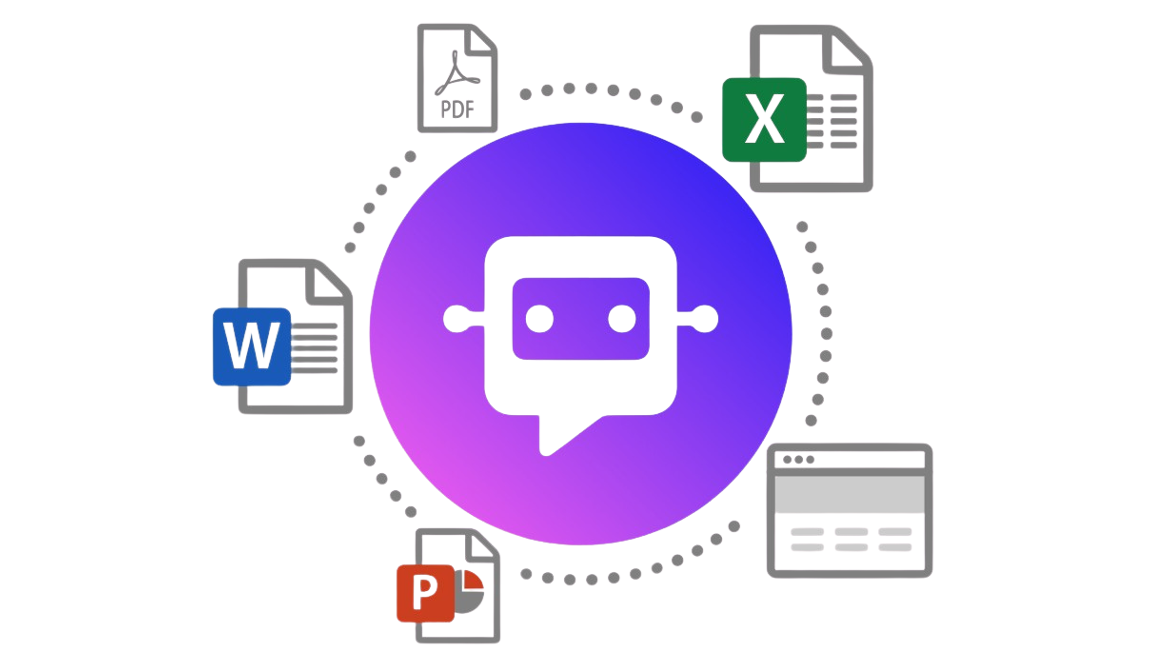
Connect your knowledge sources
An assistant works best when it can use the sources that matter to your organization. Here's how to connect them:
Add documents and files
Upload Word documents, PDFs, spreadsheets, and other files. The assistant indexes their content so it can find relevant information when answering questions.
Integrate with SharePoint
Connect SharePoint and select the libraries, folders, or files the assistant is allowed to use.
Pull information from websites
Include relevant information from your intranet or public websites.
Integrate external resources via REST APIs
Connect other relevant data sources through REST APIs.
Why source control matters
Accuracy and relevance
Outdated or irrelevant sources can lead to poor answers. Select reliable, current content and review your sources regularly.
Security and privacy
An assistant shouldn't have access to everything. Use source restrictions and permissions to protect confidential files, contracts, and personal information.
Source control by group access
Set permissions for teams, departments, and customers so the assistant only uses information each group is authorized to access.
Use Readin Lookup with your own knowledge sources
With the right documents, SharePoint libraries, and websites connected, Readin Lookup can help users find answers and check the original sources.
Bring your knowledge sources together in Readin Lookup and make information easier to find and use.